
Go to the Groups tabNavigate to the Community → Groups menu. Click the blue “+” button (see screenshot 1)This opens the new group setup. Fill in your details Group Name Description Privacy (Public, Private, or Hidden) Membership (Open, Request to Join, or Invite Only) Group Icon (square image) & Cover Banner (after create) Click “Create”... Read more
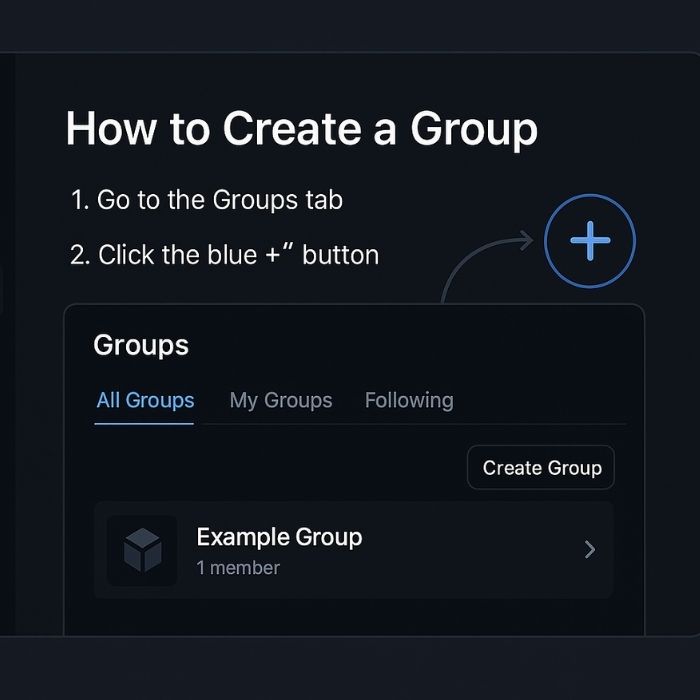
How to Create a Group on Qubi Chat
October 5, 2025
(updated October 5, 2025)
Published by Qubi
